Publish the context
Review the property information and contact route before making the page public.
Real estate brokerage
A property enquiry has a particular listing, question and next conversation behind it. Use Web for reviewed public content, CRM for the relationship and Spaces where a supported spatial asset helps the discussion.
How it works
Confirm listing data, portal connections and customer permissions before promising a complete brokerage system.
Review the property information and contact route before making the page public.
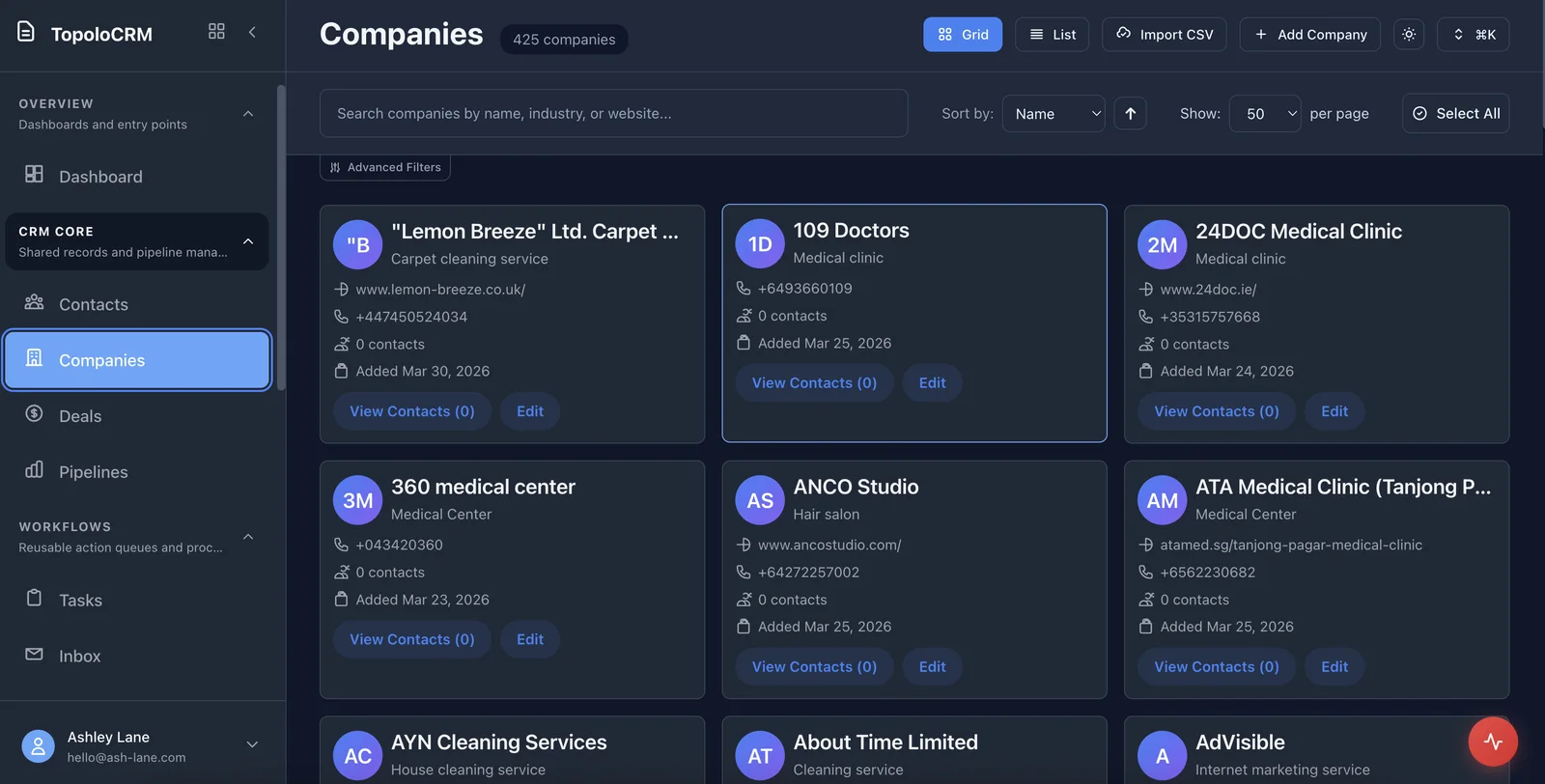
Save the prospect's enquiry and the next action in CRM.
Verify the spatial asset and its visibility before sharing it with the prospect.
The suite
Start with the app that solves the immediate problem. Bring in the others when the work needs them, with access governed by each app and workspace.
Useful questions for choosing the right starting point.
Confirm listing data, portal connections and customer permissions before promising a complete brokerage system.
Use the current pricing page to review plan terms. For a workflow spanning several apps, discuss the access and operational requirements in a demo before choosing the setup.
Check the product, review the details or talk through your next workflow.
See the CRM workspace and its current availability.
See the available capabilities and how they work.
Find another starting point for your business or role.
Review current plan terms and the apps your workflow needs.
Talk through the process and requirements you want to evaluate.
Show us the work, the people involved and the handoffs that matter. We will help you evaluate a focused starting point.