Build a useful client record
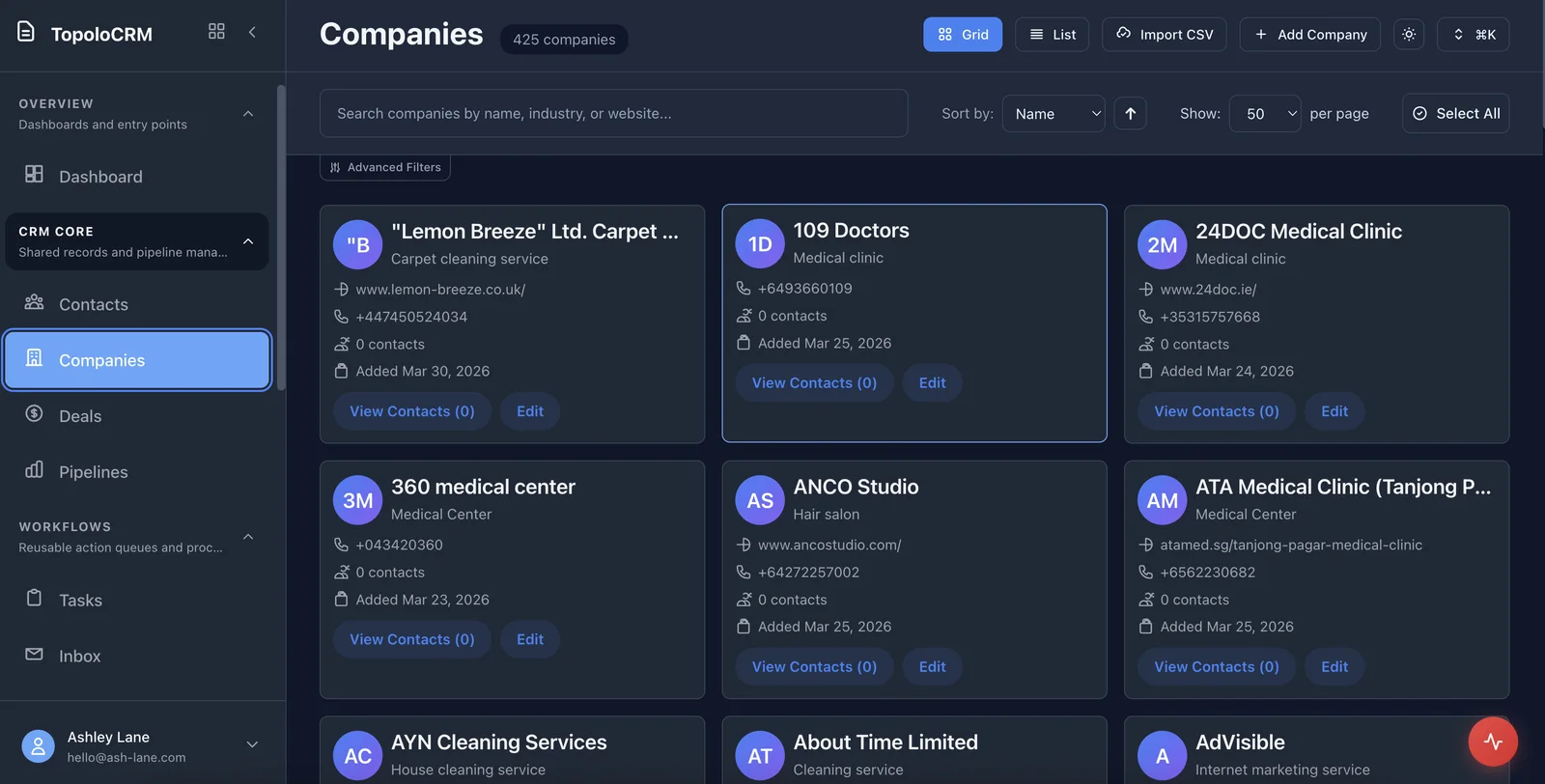
Keep the person, company and relevant notes together. Import an existing contact spreadsheet or create records as enquiries arrive.
Topolo for Consultants
From the first enquiry to the next piece of work, keep client details, deal context and follow-up together. Topolo CRM gives independent consultants and small practices a clear place to manage the commercial side of their work.
The work behind the workflow
A prospective client asks for a proposal. An existing client wants to extend the engagement. A useful introduction arrives between meetings. When the details live across email, a spreadsheet and your memory, even a good opportunity can lose momentum. Keep the relationship and the next step visible, so your next conversation starts with the context you already have.
How it works
Start with CRM for the relationship. Bring in the other apps when you need to prepare the work or deliver it.
Keep the person, company and relevant notes together. Import an existing contact spreadsheet or create records as enquiries arrive.
Use deals and tasks to keep the opportunity and follow-up visible. Record what was discussed and what needs to happen before you speak again.
Use Compose for the proposal or report and Roadmap for delivery planning. Give each part of the engagement a clear home in the suite.
The suite
Start with the app that solves the immediate problem. Bring in the others when the work needs them, with access governed by each app and workspace.
Contacts, companies, opportunities and the tasks that keep a relationship moving.
OpenBusiness documents, saved versions and an assigned review.
OpenAppointment types, availability and a clear booking experience.
OpenProjects, delivery items and the dependencies behind the plan.
OpenSupported mutual NDA reviews with source-linked findings and tracked changes.
OpenDouble-entry records, invoices, bills and controlled accounting periods.
OpenUseful questions for choosing the right starting point.
Yes. Start with your own contact and deal records, then add colleagues as your practice grows. You can begin with CRM without organising your entire business around every app at once.
CRM supports CSV import and field mapping for contact and company records. Review the mapping before importing so the details land in the right fields.
Compose handles business documents and review; Roadmap handles projects, roadmaps and nested work items. The suite lets you use a focused app for each part of the engagement.
Check the product, review the details or talk through your next workflow.
See the CRM workspace and its current availability.
OpenSee the available capabilities and how they work.
OpenFind another starting point for your business or role.
OpenReview current plan terms and the apps your workflow needs.
OpenTalk through the process and requirements you want to evaluate.
OpenExplore CRM, or book a demo around the way your consultancy wins and delivers work.