Bring the lead into the record
Create or import the contact and company details. Preserve the context that makes the enquiry useful, including the buyer’s role and what they are asking for.
Topolo for Inbound sales teams
Keep incoming leads, customer records and deal activity together in Topolo CRM. Give the person picking up the conversation enough context to move it forward.
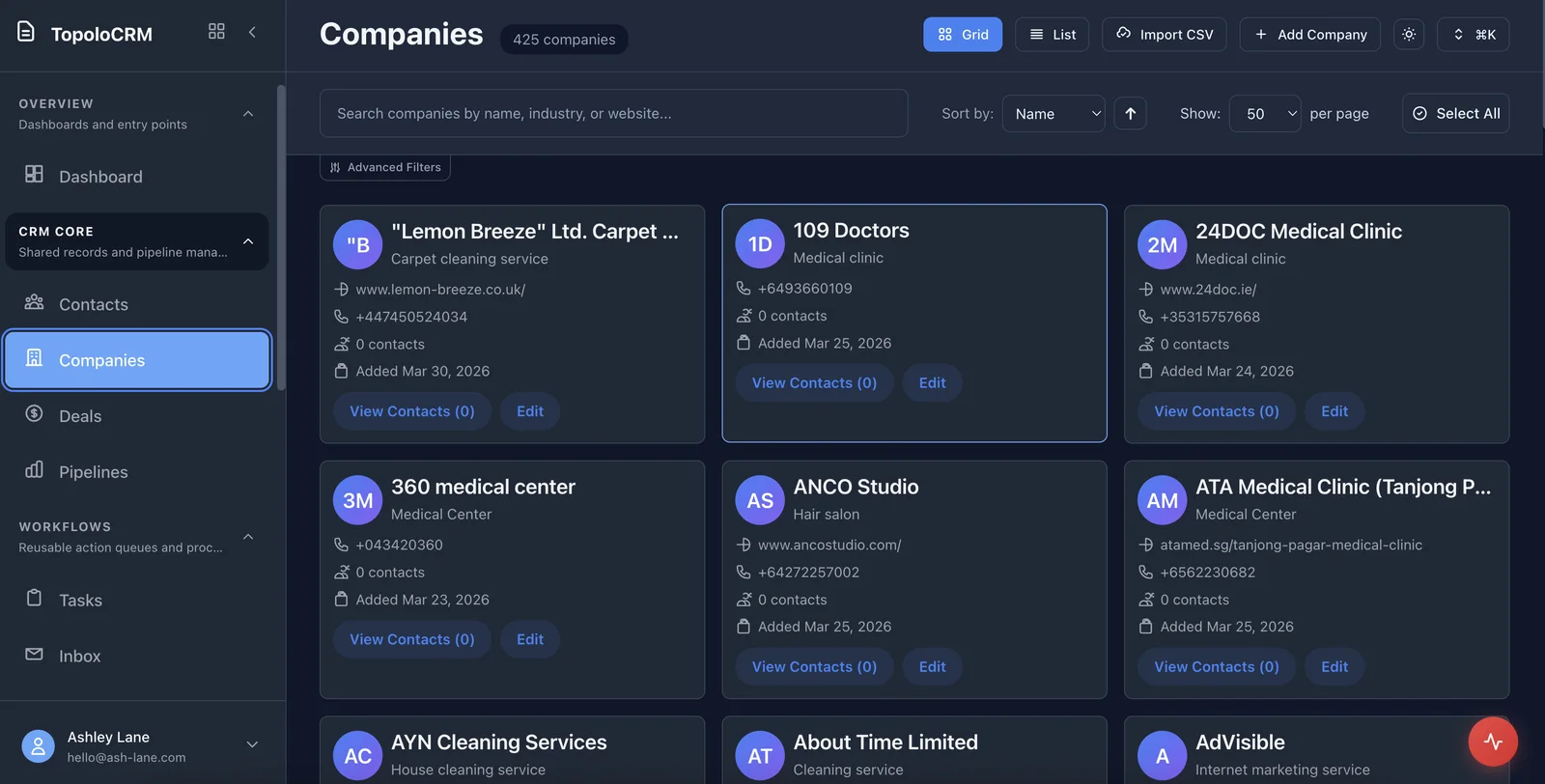
The work behind the workflow
A founder answers the first enquiry. A colleague handles the follow-up. The prospect comes back with a question about the proposal. If each person has only their own piece of the conversation, the buyer has to repeat themselves. Keep the contact, company, deal and follow-up work together so the next person can see what has happened and what needs attention.
How it works
Use a shared commercial record for the work, rather than passing around a summary that goes out of date.
Create or import the contact and company details. Preserve the context that makes the enquiry useful, including the buyer’s role and what they are asking for.
Use deals, tasks and notes to organise the sales work. Make the next conversation easier to prepare without reconstructing the background from separate files.
Use Compose for proposals and related business documents. Review the wording before sharing it, with CRM keeping the customer relationship in view.
The suite
Start with the app that solves the immediate problem. Bring in the others when the work needs them, with access governed by each app and workspace.
Contacts, companies, opportunities and the tasks that keep a relationship moving.
OpenBusiness documents, saved versions and an assigned review.
OpenAppointment types, availability and a clear booking experience.
OpenStructured intake, public forms and submissions with defined delivery settings.
OpenCash accounts, expected movements and planning scenarios.
OpenPrepared sequences, message approvals and a reply inbox.
OpenUseful questions for choosing the right starting point.
Yes. CRM supports CSV field mapping for contact and company records, including common enrichment fields. Inspect the mapping and the imported records before using the list.
No. A founder and a small team can start with contacts, companies, deals, tasks and notes. Add a more structured sales process as the volume and team require it.
Topolo publishes credential-scoped CRM actions for CLI and MCP. An agent’s permitted actions depend on the identity, resource grants and confirmation requirements; use the published contract for the workflow you want it to run.
Check the product, review the details or talk through your next workflow.
See the CRM workspace and its current availability.
OpenSee the available capabilities and how they work.
OpenFind another starting point for your business or role.
OpenReview current plan terms and the apps your workflow needs.
OpenTalk through the process and requirements you want to evaluate.
OpenExplore CRM, or book a demo around how your team receives, follows up and hands over leads.